Analysis Grid
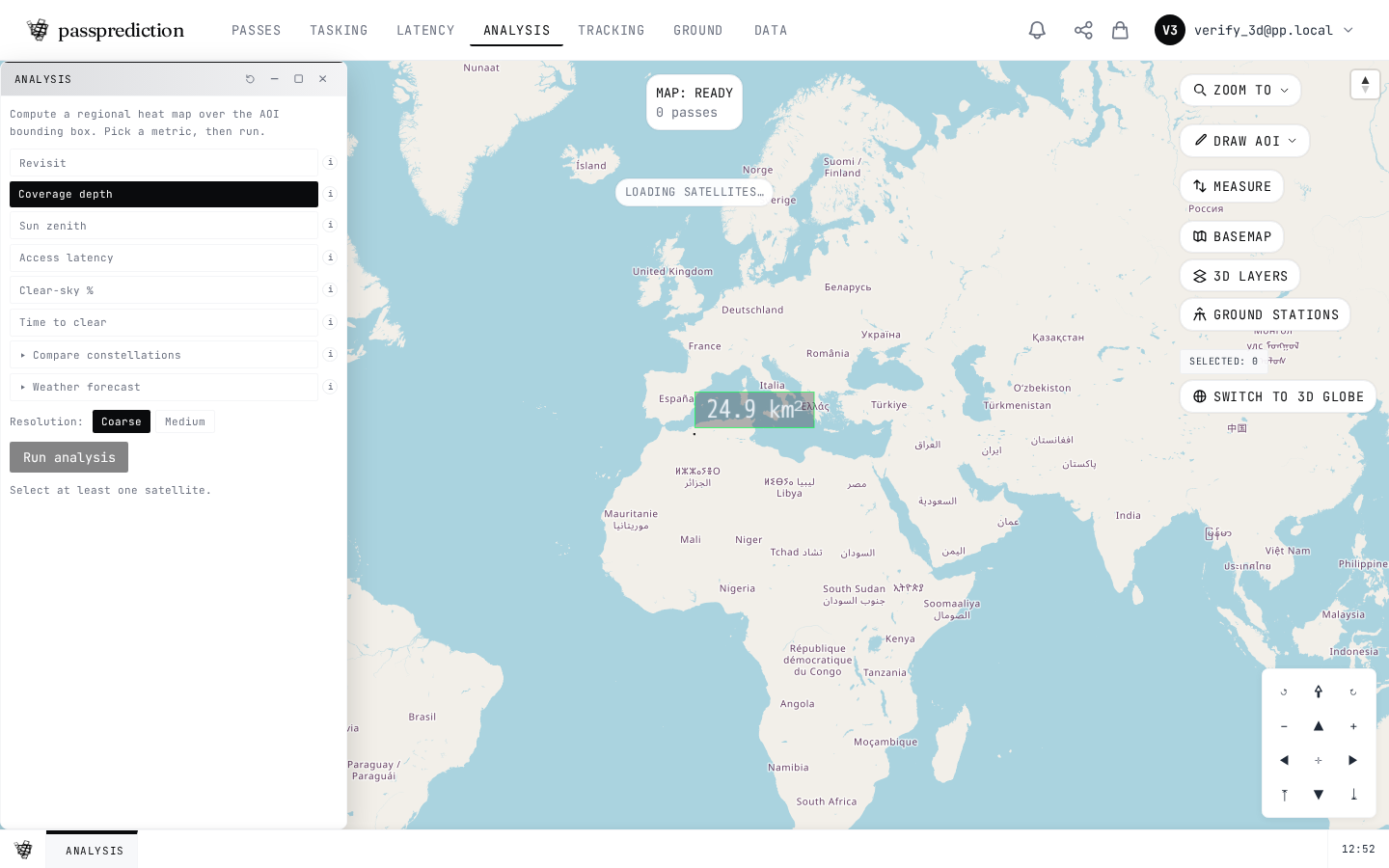
Sweep the AOI as a grid and compute a metric per cell — coverage, revisit, clear-sky or latency — then read it as a heatmap and export.
Step by step
- 1Set an AOI and open Analysis Grid.
- 2Choose the metric and grid resolution.
- 3Run the sweep to score every cell.
- 4Read the heatmap — brighter cells score higher.
- 5Export the grid as GeoJSON or CSV.
Frequently asked questions
How do I compute per-cell coverage or revisit metrics across my AOI?
Open the Analysis Grid tool, choose a grid resolution, and sweep the AOI to compute per-cell metrics — coverage, revisit, clear-sky feasibility, and downlink latency. Results render as a grid over the map and can be exported. Use a coarser resolution for large AOIs to keep the sweep fast.
Related help
Try it now on the interactive map, learn the underlying concepts in the glossary, or see all help topics.