Constellation Compare
Run several satellites or constellations against one AOI and rank them by a weighted score (revisit, coverage, latency) to pick the best option.
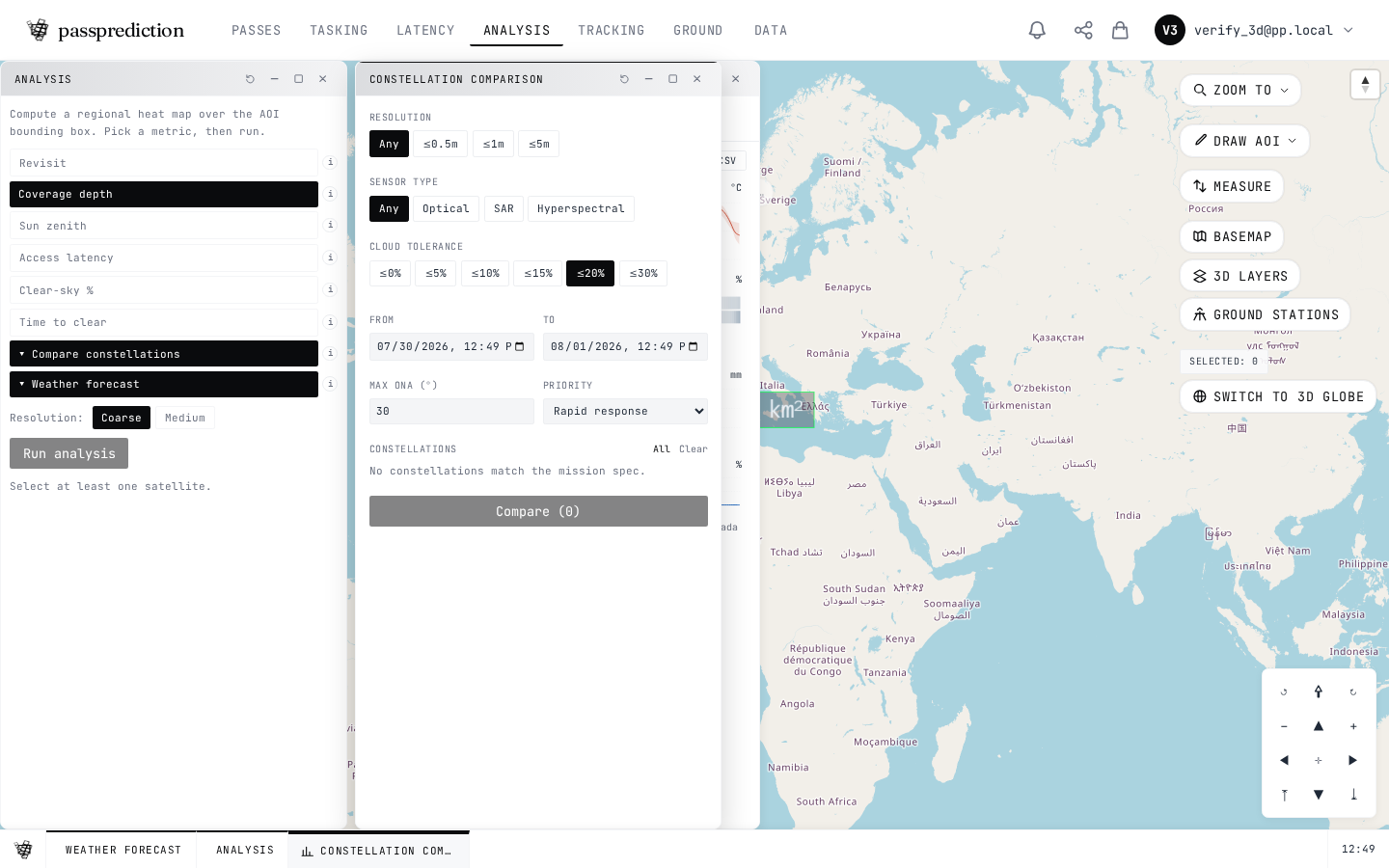
Step by step
- 1Draw or select your area of interest.
- 2Open Compare and add the satellites or constellations to weigh up.
- 3Set the criteria weights: revisit, coverage, latency.
- 4Run to score every option.
- 5Read the ranked table — the top row is the best fit.
Frequently asked questions
How do I compare several satellites or constellations for the same AOI?
Open the Compare tool, select the satellites or constellations you want to weigh, and run it against your AOI. It ranks the options by multi-criteria (MCDA) scoring across metrics like revisit, coverage, and latency so you can pick the best fit. Reproduce a past comparison from your history to re-run it with the same inputs.
Related help
Try it now on the interactive map, learn the underlying concepts in the glossary, or see all help topics.