Latency
Estimate end-to-end image delivery time from capture to user across the pipeline.
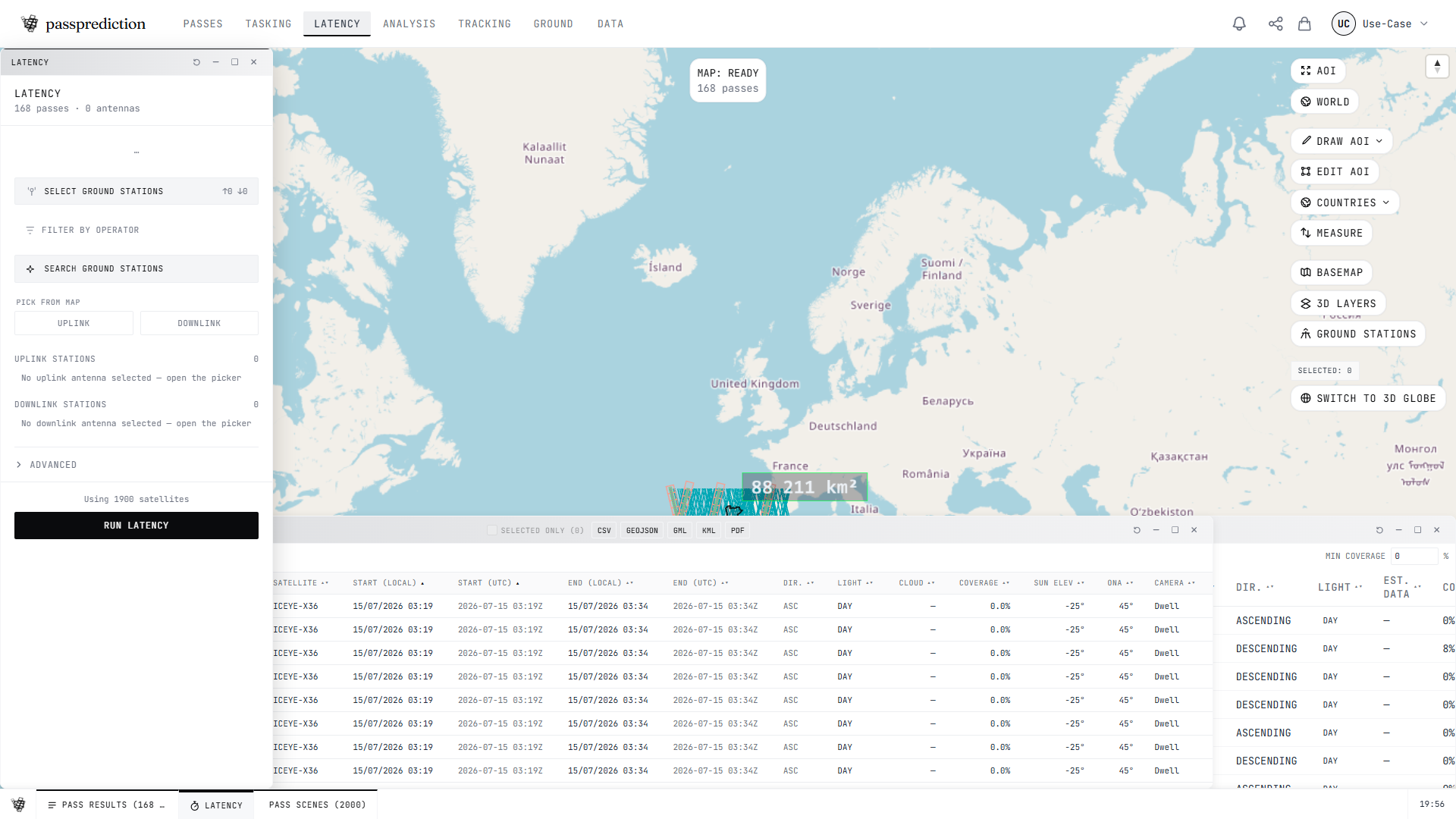
Step by step
- 1Start from a pass or tasking result — click "Compute latency" to pre-fill inputs.
- 2Pick the candidate ground-station antennas and set an SLA target.
- 3Click COMPUTE to run the 6-stage delivery model.
- 4Read the timeline: capture → onboard → downlink AOS → downlink → processing → delivery.
- 5Check the winning ground station and total time against your SLA.
Frequently asked questions
How do I estimate how long until I receive the image (latency)?
Open the Latency tool (or click Compute latency from any pass or tasking row) and run it. It models a 6-stage pipeline — capture → onboard processing → next-downlink AOS → downlink → ground processing → user delivery — and picks the winning ground station, comparing the total against your SLA target. Results show each stage's timing and the antenna that delivers fastest.
Related help
Try it now on the interactive map, learn the underlying concepts in the glossary, or see all help topics.